
The CRM built for import trade
Compare supplier quotes side by side, run a full landed-cost calculation, track every order, and see your whole pipeline at a glance — in one workspace.
Three jobs an importer actually needs done
Not a generic sales CRM with a few fields renamed. Every screen starts from the way cross-border trade really works.
Compare supplier quotes
Put factory offers side by side and pick the best price before you commit to a purchase order. Same unit, same Incoterm, same currency — no more rebuilding the comparison in a spreadsheet every time.
Track every order
Follow each order from sourcing to delivery, with the deadlines you actually care about kept in view — production, inspection, shipping and arrival, not a status nobody updates.
Keep it all together
Your team, your documents and your buyers live in one workspace. When someone asks what a customer ordered last year, the answer is one search away.
A foreign-trade calculator, wired to your orders
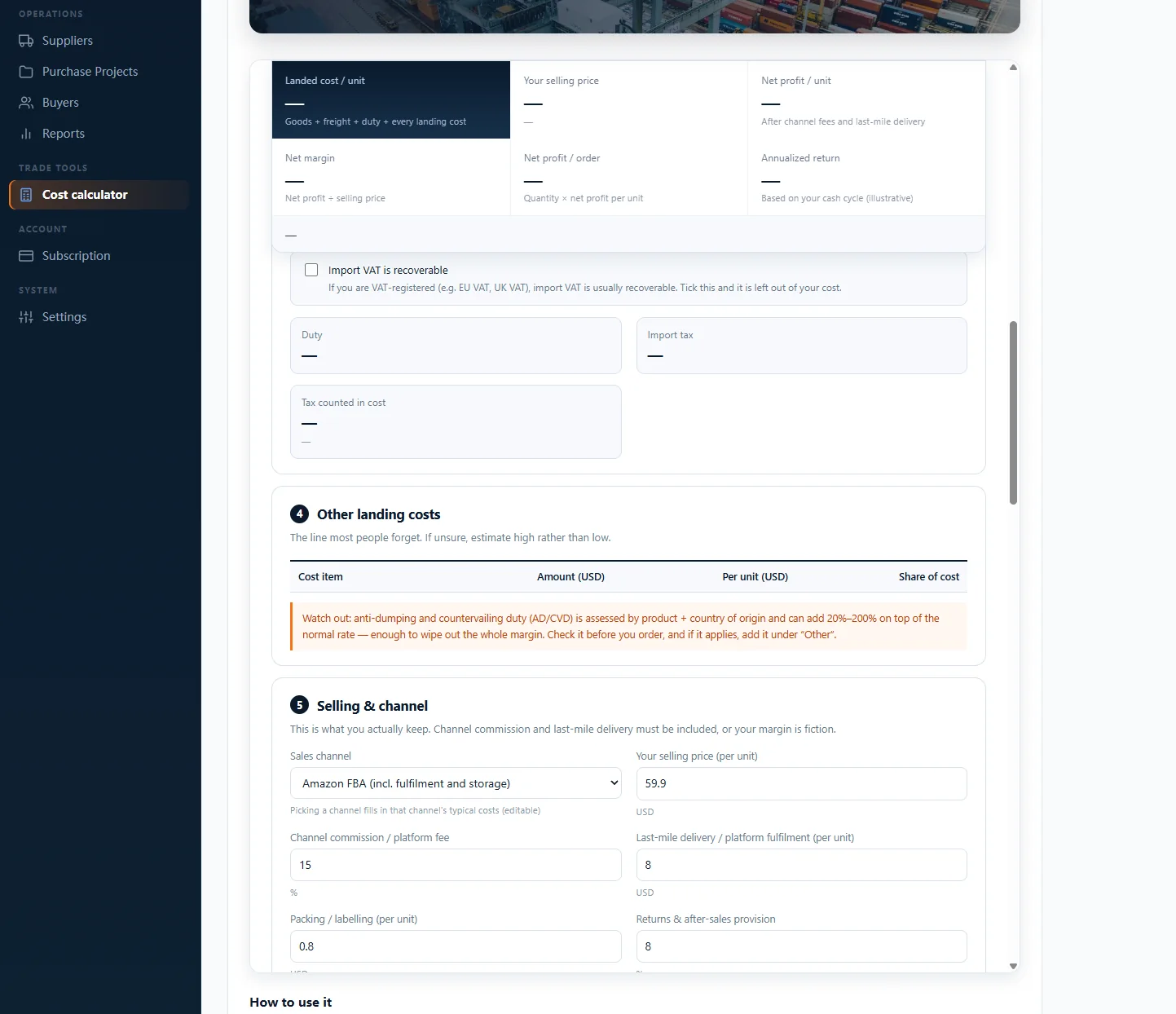
The complete version of the Import Operations Toolkit’s landed-cost calculator — but it already knows your suppliers, quantities and freight, so you never re-key a number.
Know the real number before you order
Everything that decides whether a deal makes money, in one place:
- Landed cost per unit — goods + freight + duty + every landing cost
- Duty & import VAT, with a recoverable-VAT toggle for VAT-registered importers
- Channel fees — Amazon FBA and others filled in, then editable
- Net margin & break-even after last-mile and returns
- Warns on anti-dumping / countervailing duty (AD/CVD) before you commit
Included in every workspace — no calculator add-on to buy.
Never let a follow-up slip
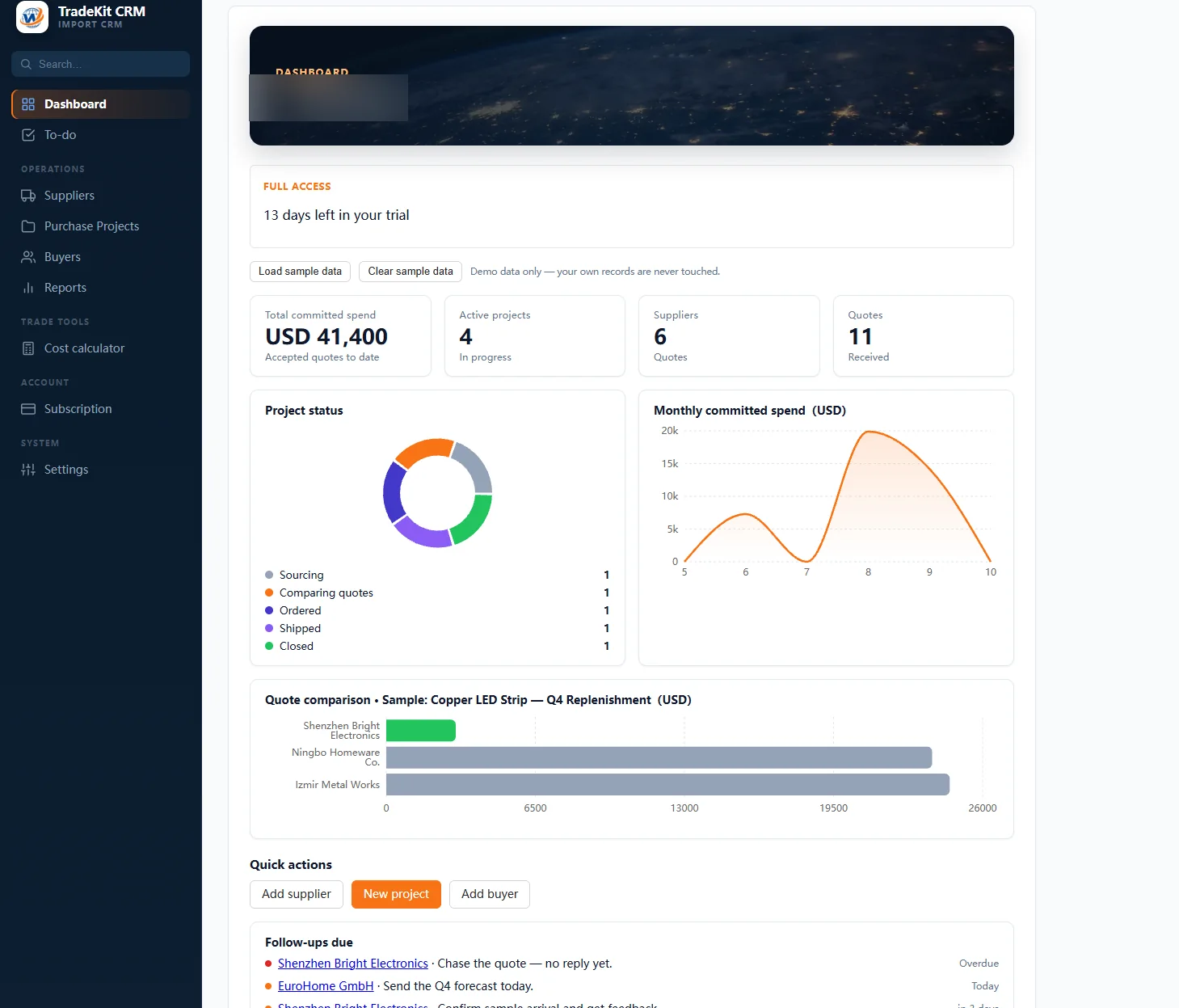
Follow-ups, project status, recent activity and upcoming deadlines — surfaced where you’ll actually see them, not buried in a spreadsheet.

One screen for what needs you
- Follow-ups due — chase the quote, send the forecast, confirm the sample
- Recent projects with status from sourcing to closed
- Recent activity — every stage change, timestamped
- Upcoming deadlines — flagged before they bite
Your own workspace · nothing to install.
From first enquiry to repeat order
The same record follows the deal the whole way through, so nothing gets retyped twice.
Add your suppliers
Factories and traders you work with, with their contacts, quotes, MOQs and certifications attached to one record.
Compare the quotes
Lay competing offers side by side and choose on landed cost rather than on whoever replied fastest.
Track the order
Production, inspection and shipping milestones, with due dates visible before they become problems.
Keep the buyer
Full order history in one place, so the next enquiry from the same customer starts with context instead of a blank page.
TradeKit CRM runs in your browser
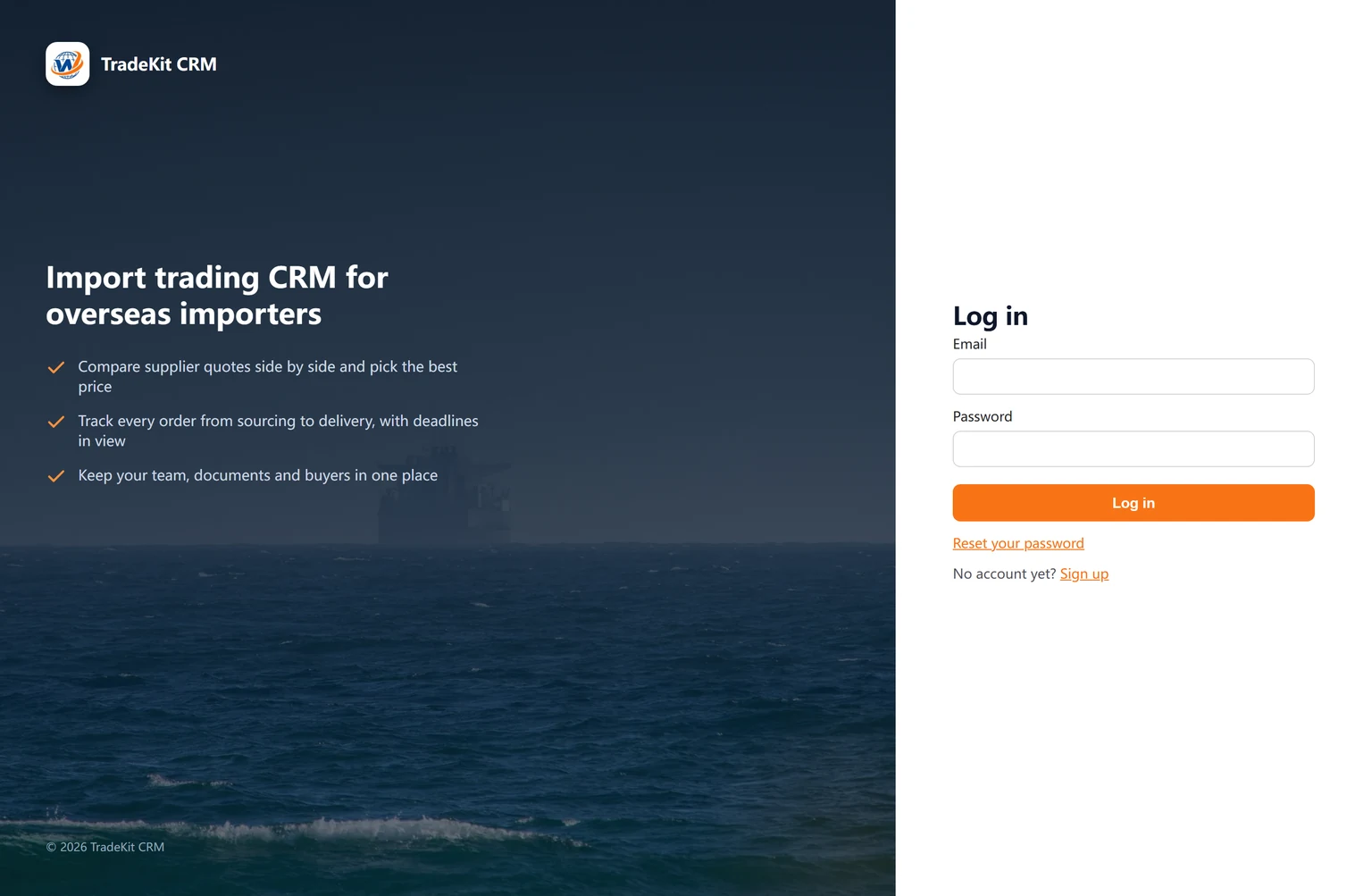
Sign up at app.woliantrade.com for a browser-based workspace — no software to install or IT project. Each current plan is for one user. New workspaces start with a 14-day free trial.
- Suppliers, quotes, MOQs and certifications in one record
- Order deadlines you can see coming
- Documents and buyers alongside the order they belong to
Opens in a new tab at app.woliantrade.com. Forgot your password? There’s a reset link on the sign-in screen. Need a hand — email support@woliantrade.com.
What you should know first
Built for import trade
Suppliers, buyers, documents and shipments are modelled as real objects from day one — not improvised with custom fields on a generic sales tool.
Nothing to install
It’s a browser app. Sign in from any computer to return to your synced workspace — no local setup or version conflicts.
You can reach a human
Questions about the CRM go directly to our own team. We’re an independent trade team, not a support queue in another timezone.
Questions, answered
Is there a free trial?+
Yes. Every new workspace starts with a 14-day free trial — you’ll see it on the sign-up page.
Do I need to install anything?+
No. TradeKit CRM runs entirely in your browser. Sign in from any computer and return to your synced workspace.
Can the rest of my team use it?+
TradeKit CRM currently supports one user per workspace. Team invitations are not available in the current plan.
What exactly can I keep track of?+
Your suppliers and their quoted prices, MOQs and certifications; your buyers from first enquiry through to repeat orders; each shipment as it moves from production to delivery; and a full cost calculation on every order.
What happens after the trial?+
After the 14-day free trial, the CRM plan is $270 USD per year. The annual plan is a one-time payment and does not renew automatically; renewals must be purchased separately.
Who do I contact if something breaks?+
Use the support email shown above and it comes to our team directly. There’s also a password-reset link on the sign-in screen if you get locked out.
Stop running your imports out of spreadsheets
Start your 14-day free trial — put your suppliers, buyers, costs and orders in one place. No card, nothing to install.
Your own workspace · nothing to install